Chrome Extention

No copy-pasting. No tab-switching. No manual entry. Just click, automate, and act.
Step 1
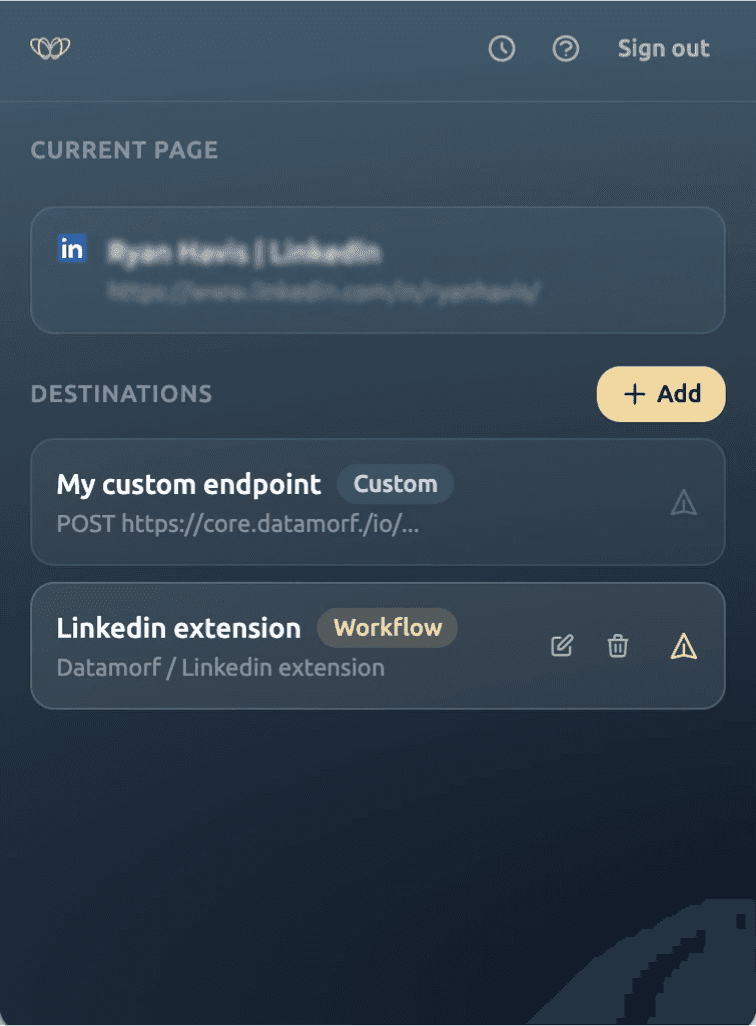
Send the URL to Datamorf
While browsing any LinkedIn profile, open Datamorf Relay and hit "Send URL." The current page URL is instantly forwarded to your pre-built Datamorf workflow, no copy, no paste, no context switch.
Step 2
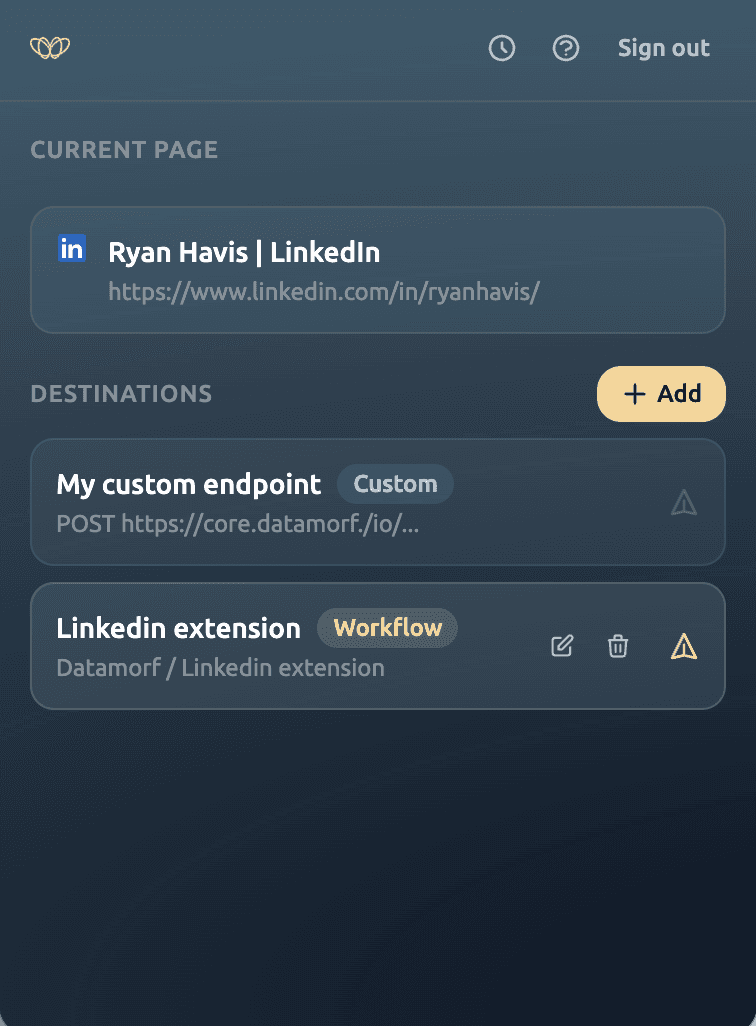
Your workflow runs automatically
Datamorf scrapes the profile, enriches the data across your chosen providers, applies AI scoring, and runs any logic you've configured: phone lookup, company firmographics, intent signals, whatever your workflow defines.
Step 2
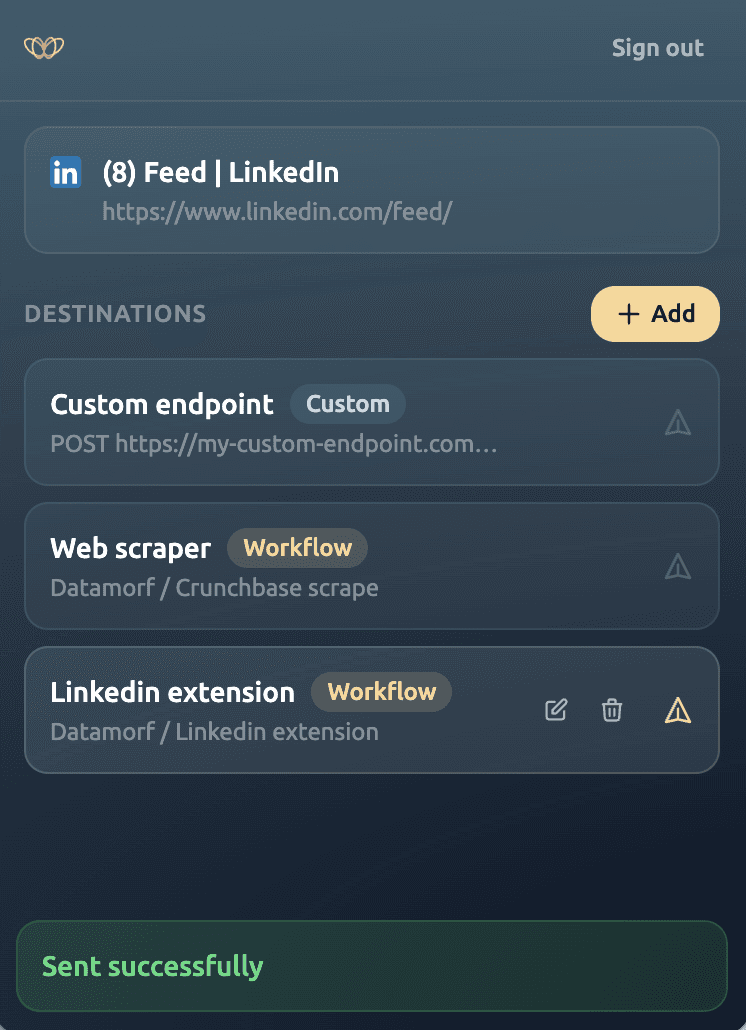
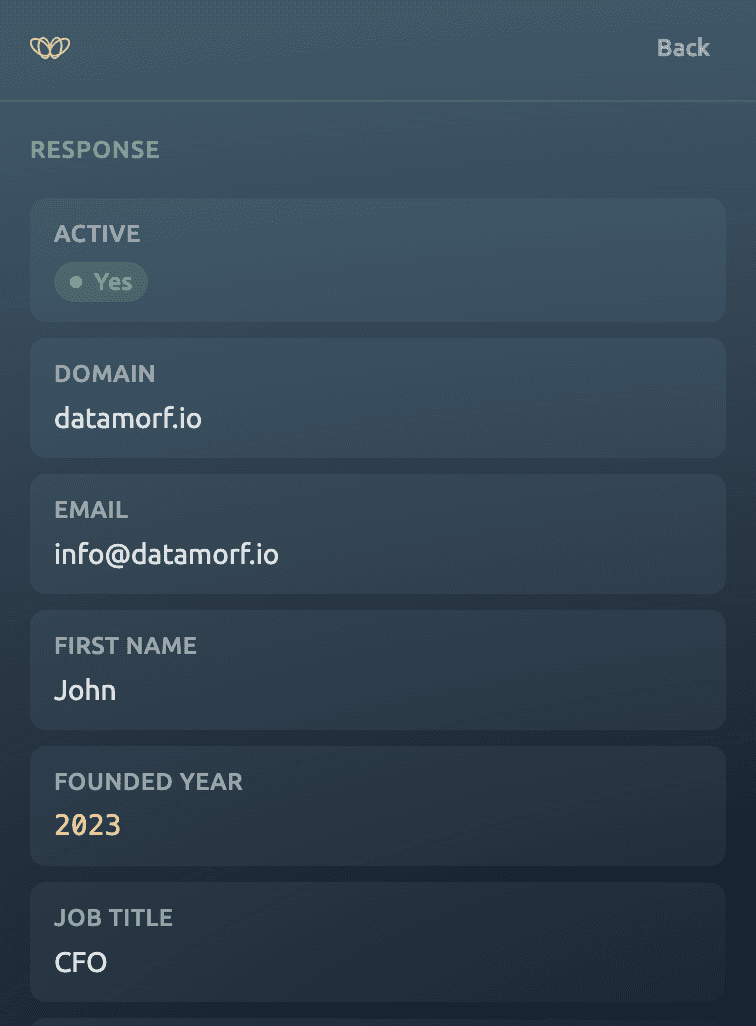
Get results right in the extension
The enriched data is returned directly to the Relay popup: email, phone number, AI summary, and any custom fields. Simultaneously, your workflow can push the record to your CRM, Slack, or any connected tool.
Whether you're closing deals, hiring talent, tracking competitors, or running research:
Relay turns any LinkedIn page into a structured workflow trigger.
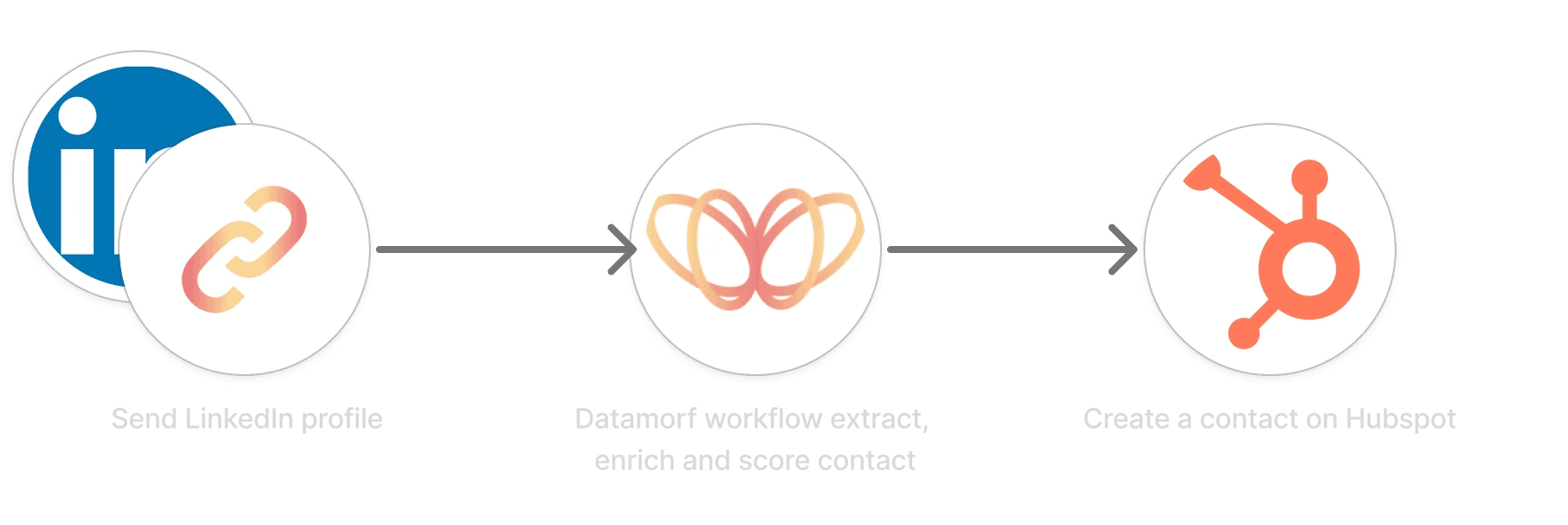
Outbound Prospecting
A sales rep spots a perfect ICP on LinkedIn. One click sends the profile to a workflow that finds their verified email and mobile number, scores the lead with AI, and creates a contact in HubSpot, ready to sequence.
Content creation
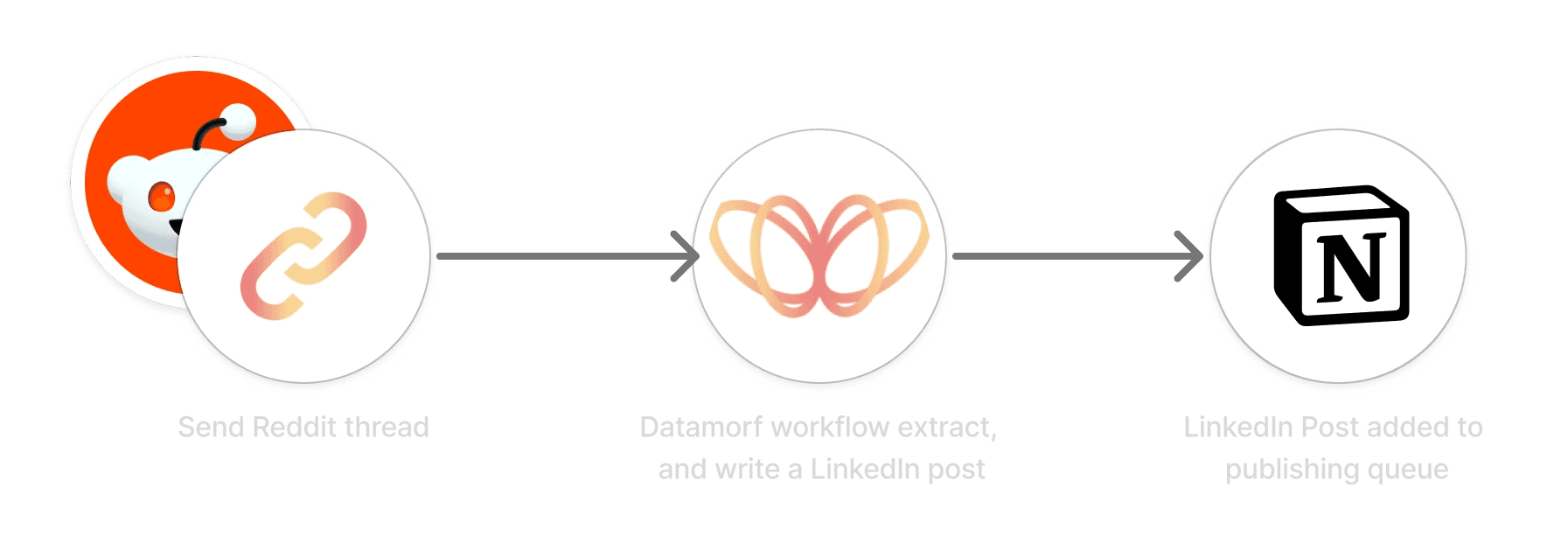
Stumble across an interesting article, Reddit thread, or industry post? Send the URL to Datamorf with the Relay extension.
Your workflow reads the content, extracts the key insights with AI, and drafts a LinkedIn post in your tone, added to your publishing queue, ready to review and schedule.
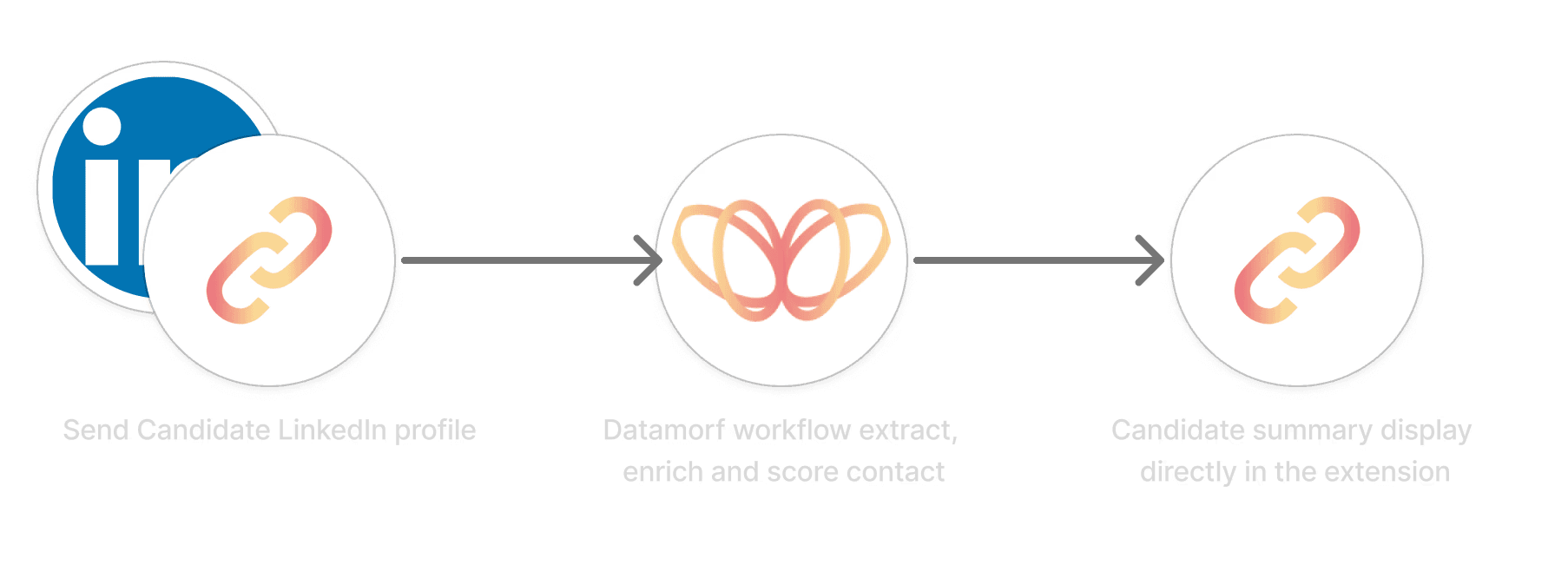
HR
A recruiter finds a strong candidate profile. Relay triggers a workflow to extract contact details, cross-check for duplicates, and log the candidate with a suitability summary, all before leaving the page.
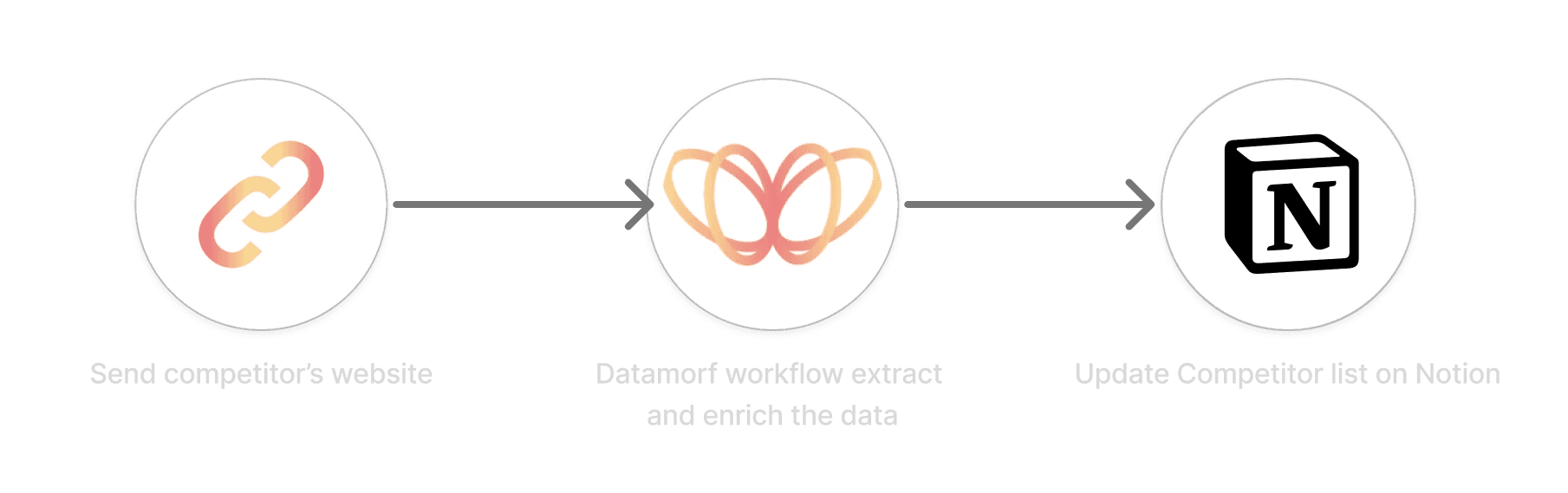
From pricing pages to LinkedIn company profiles, send any competitor URL to Relay and let your Datamorf workflow aggregate data across enrichment providers — Crunchbase, Hunter, Clearbit, and more — returning a clean intelligence brief on Notion database in seconds.